Price Matrix
Use the Price Matrix to set dynamic pricing rules for rooms and services. You can calculate rates for specific days of the week, weekends, or selected calendar periods.
Overview
The Price Matrix has two tabs:
- Rooms: Manage pricing for your physical room inventory, such as Executive and Deluxe Rooms.
- Services: Manage pricing for additional offerings, such as breakfast, sauna, or spa access.
Default Pricing
When a new room or service is added to Verabooking, a Default Price List is automatically created.
- Every room and service must have a default price.
- The default price is the fallback for any date or condition not overridden by a custom pricing rule.
- Default pricing cannot be null.
Creating Dynamic Price Ranges
Click + Add Price Range to create seasonal deals, weekend rates, or special event pricing. You can set:
- Date Ranges: Choose exact start and end dates for the rule, such as Aug 01, 2026 through Sep 30, 2026.
- Days of the Week: Select which days within that range the rule applies to, such as Monday through Friday for a weekday rate.
- Prices: Enter the new prices for the applicable rooms or services and click Save. You can later click Edit on a row to update the rule.
Pricing Priority & Reordering
When pricing rules overlap, the rule closest to the bottom of the list has the highest priority.
- Click + Reorder at the top of the matrix.
- Click and hold the drag handle next to a pricing row.
- Drag the row up or down to change its priority.
- Click Save Order.
Example Scenario: Priority in Action
Suppose you have standard rates, a two-month weekday sale, and a single-day holiday discount. Arrange the Price Matrix as follows:
| Order (Top to Bottom) | Price List Name | Conditions | Rate |
|---|---|---|---|
| 1 (Lowest Priority) | Default Price List | Every day | Rs 10000 |
| 2 (Medium Priority) | Autumn Sales | Aug 1–Sep 30 (Mon, Tue, Wed, Thu, Fri) | Rs 7999 |
| 3 (Highest Priority) | Independence Day Deal | Aug 15 (Every day) | Rs 6999 |
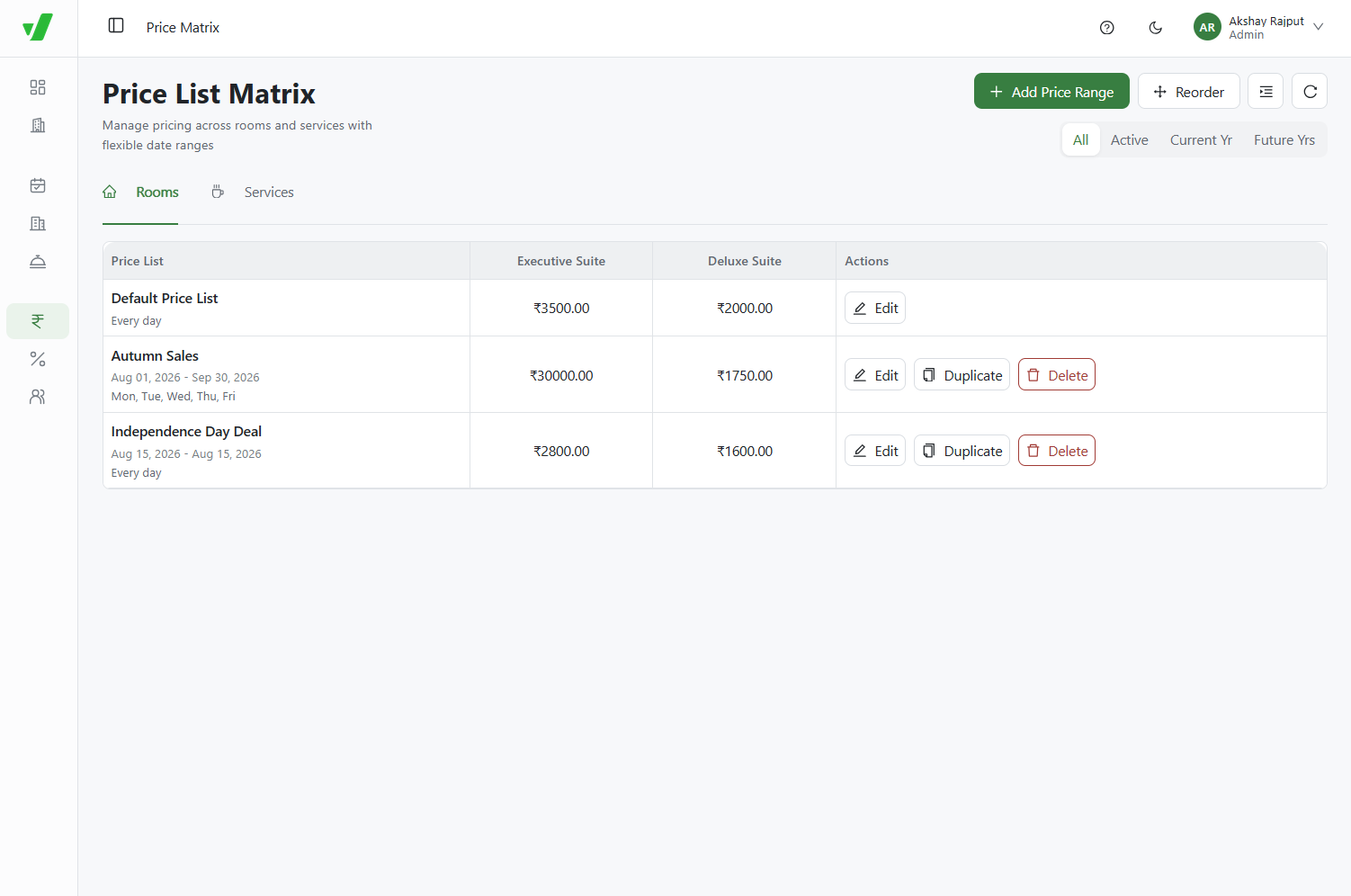
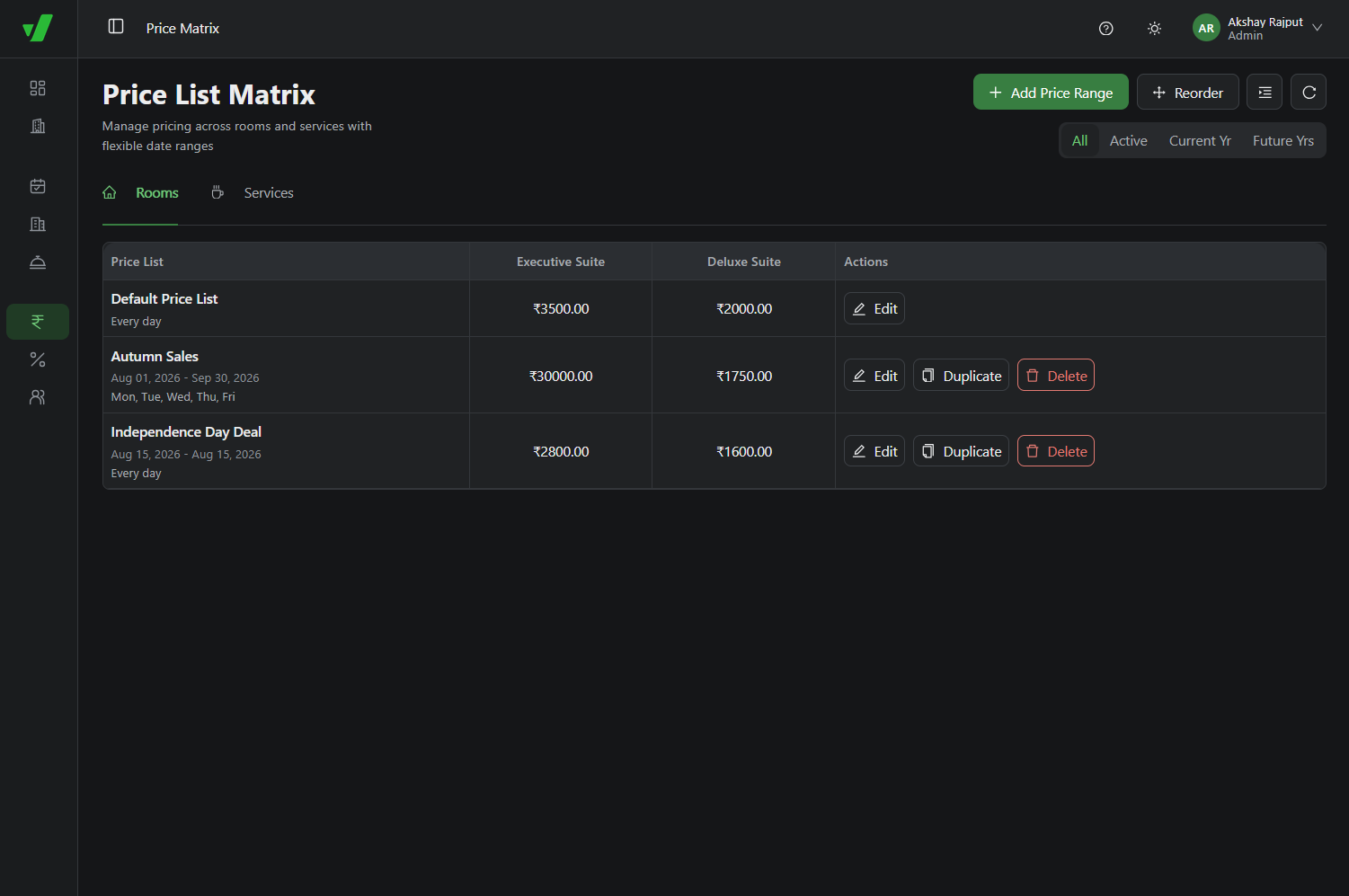
The system checks rules from the bottom to the top:
- For Wednesday, September 9, it skips Independence Day, matches Autumn Sales, and applies Rs 7999.
- For Saturday, August 8, it skips both special rules and uses the Default Price List at Rs 10000.
- For August 15, it applies the highest-priority Independence Day Deal at Rs 6999.