User Sign Up
Authentication for Verabooking is managed securely through Qunnovera Login. You can create your account using a standard email registration or Google Single Sign-On (SSO).
Creating Your Account
Option A: Standard Email Registration
-
Navigate to https://accounts-stage.qunnovera.com/register.
-
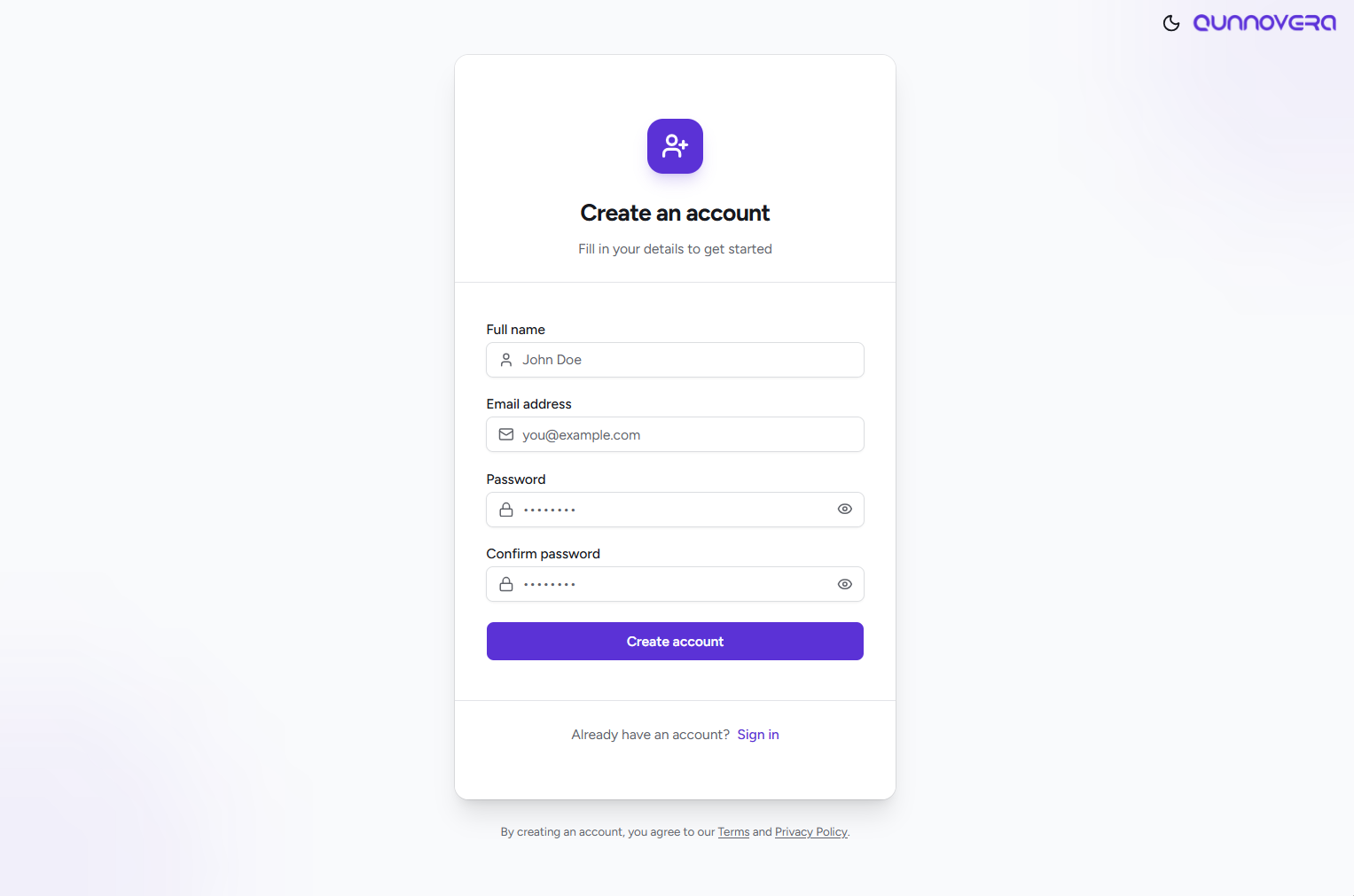
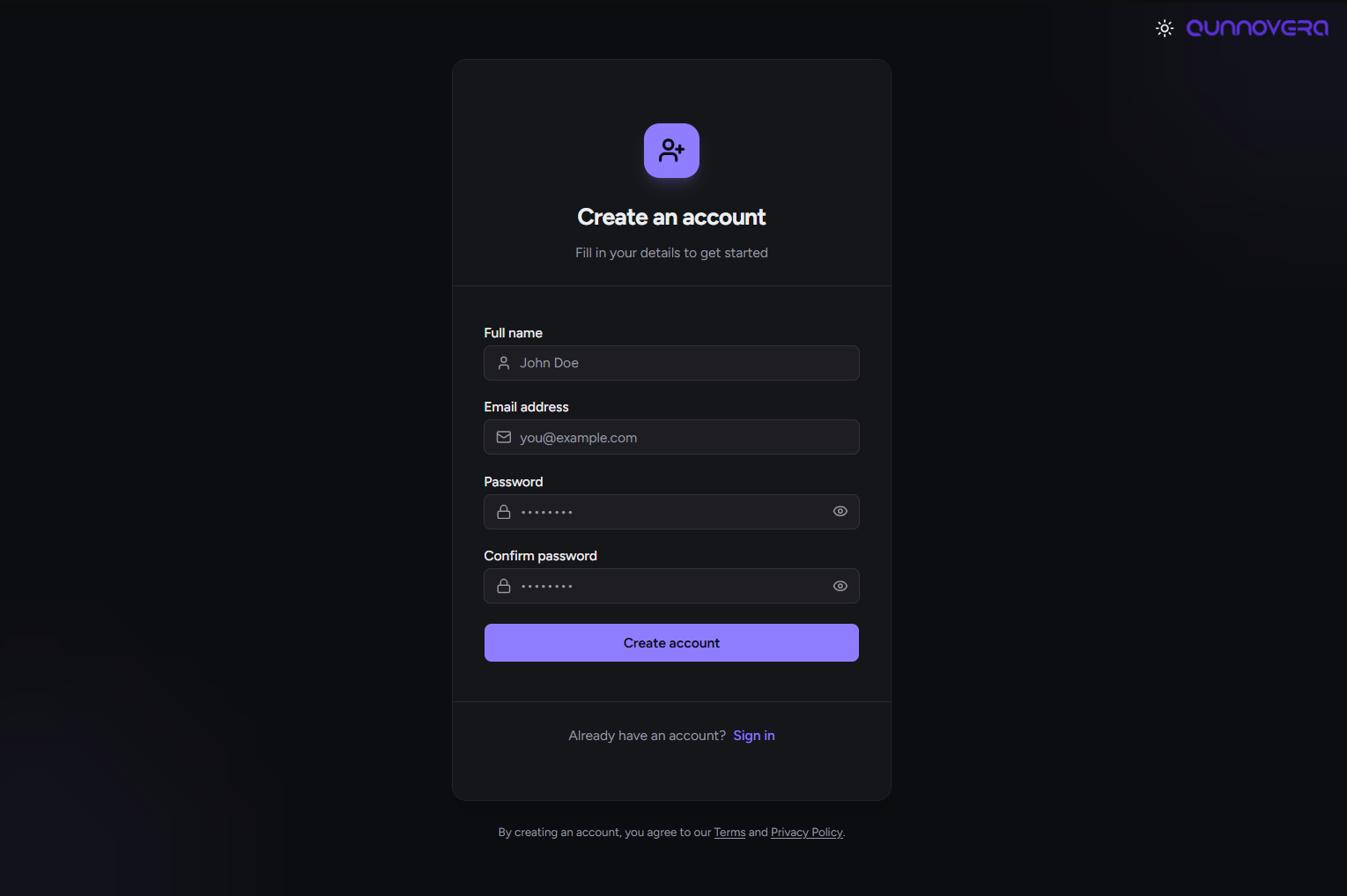
Enter your Name, Email, and Password into the required fields.
-
Click Create Account.
-
Locate the verification email in your inbox and click Confirm Signup to activate your account.
Option B: Google SSO
This method is hassle-free and bypasses the need for manual email confirmation.
-
Navigate to https://accounts-stage.qunnovera.com/login.
-
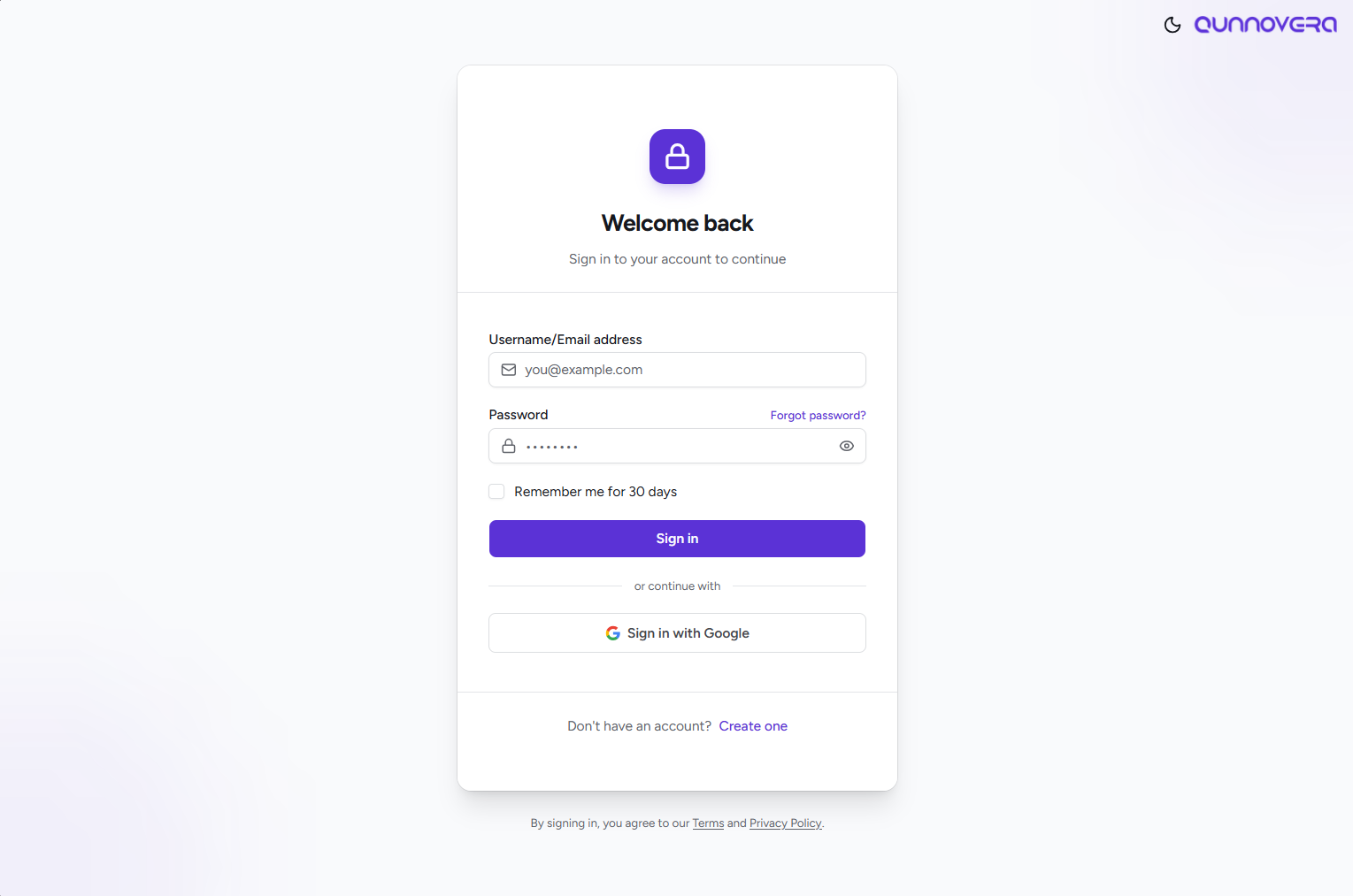
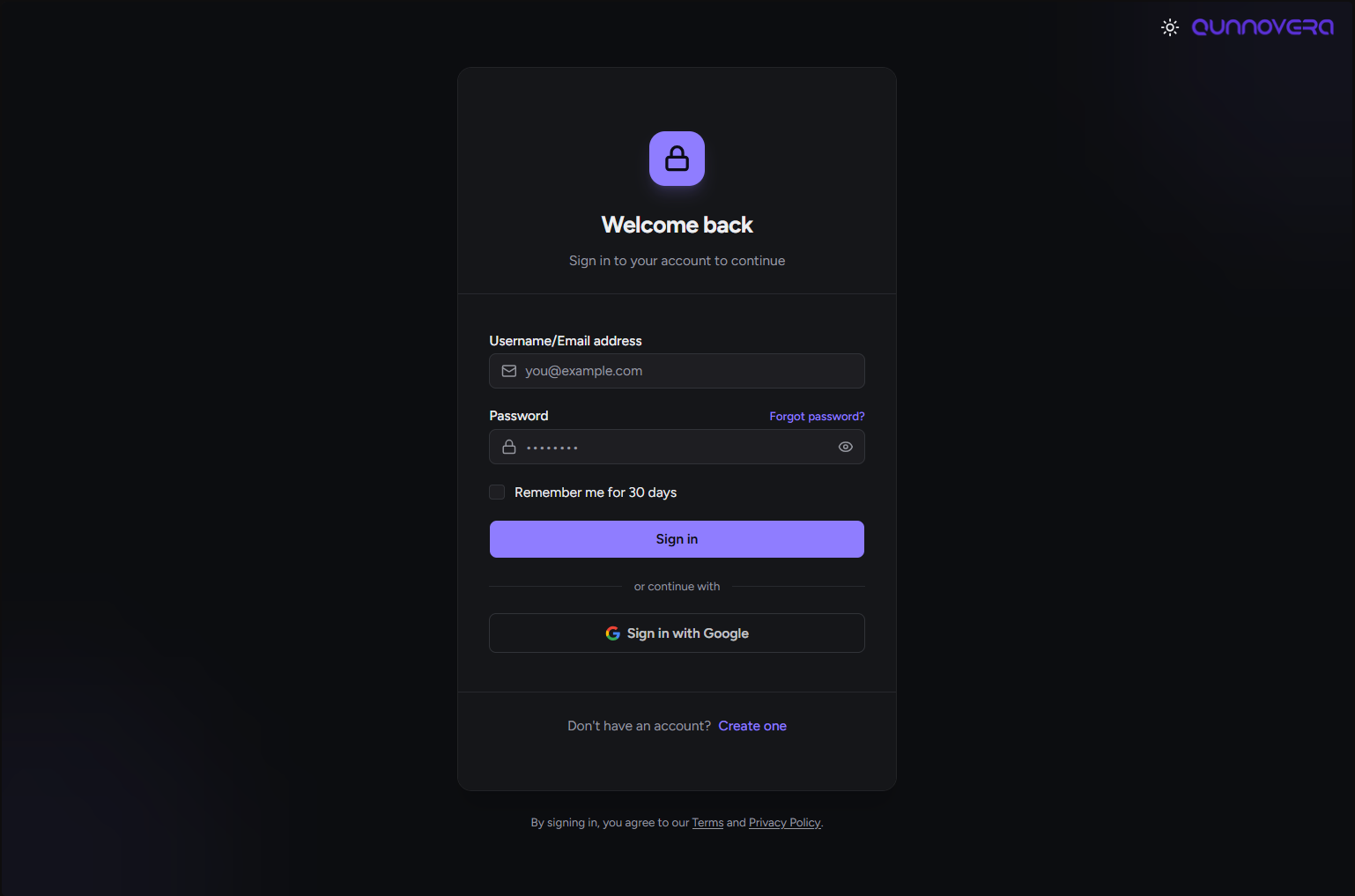
Click Sign in with Google.
-
You will be redirected to Google. Select your preferred Google account and click Continue to grant Qunnovera the access needed to create your profile.
Logging In
Once your account registration is confirmed, follow these steps to access the platform:
-
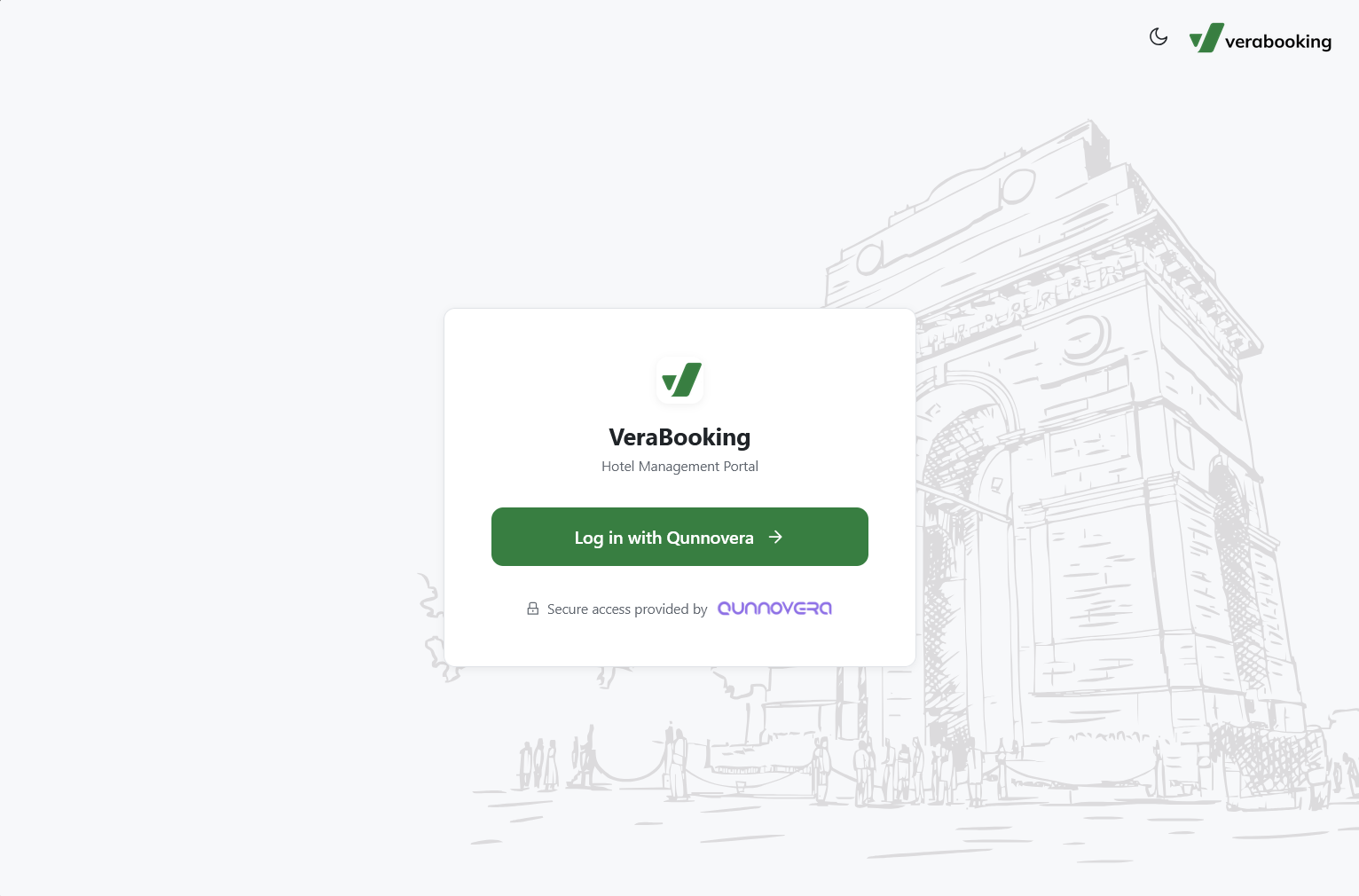
Navigate to https://verabookings.api.qunnovera.com/login.
-
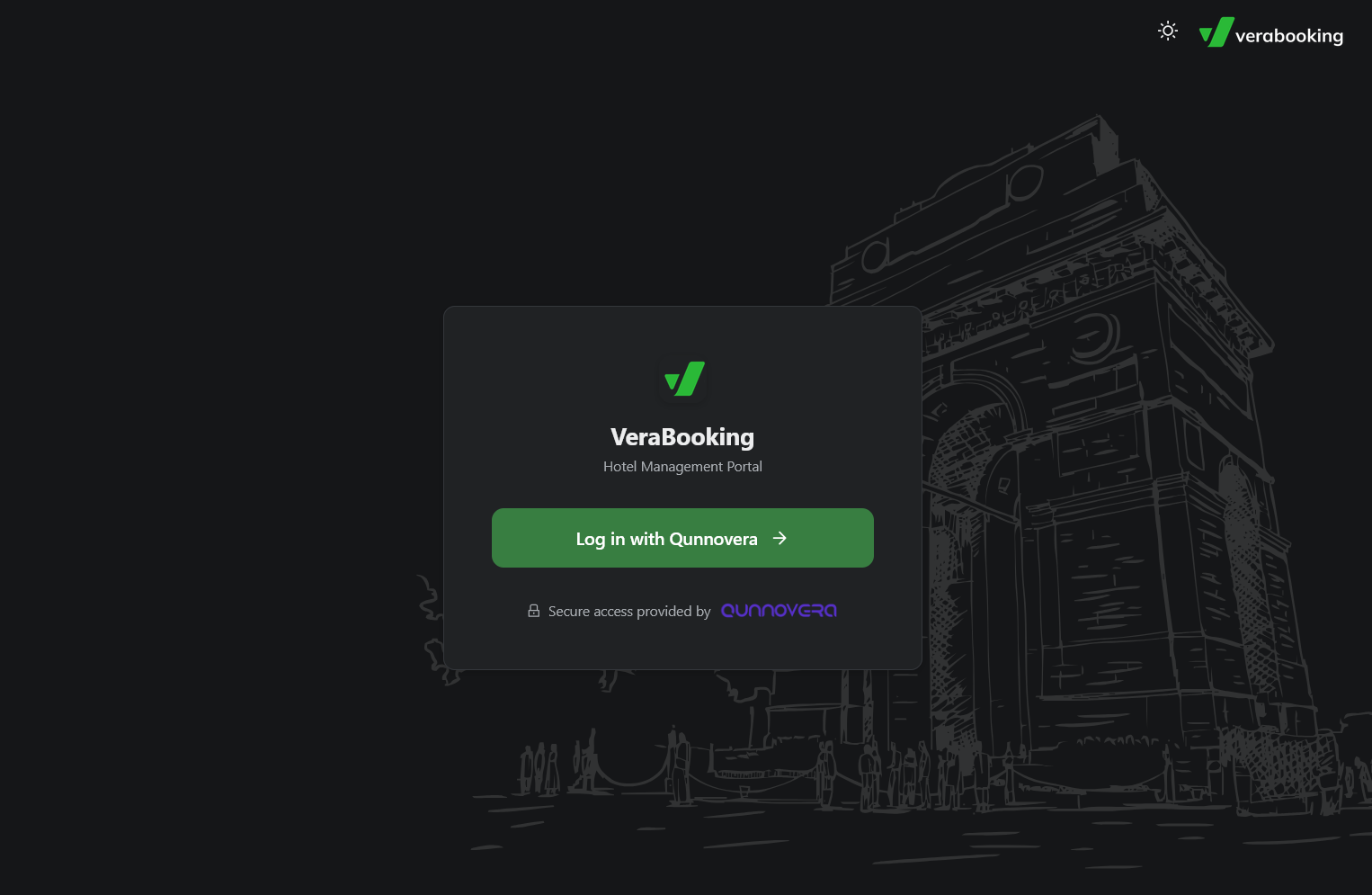
Click Log in with Qunnovera to be redirected to the secure login portal.
-
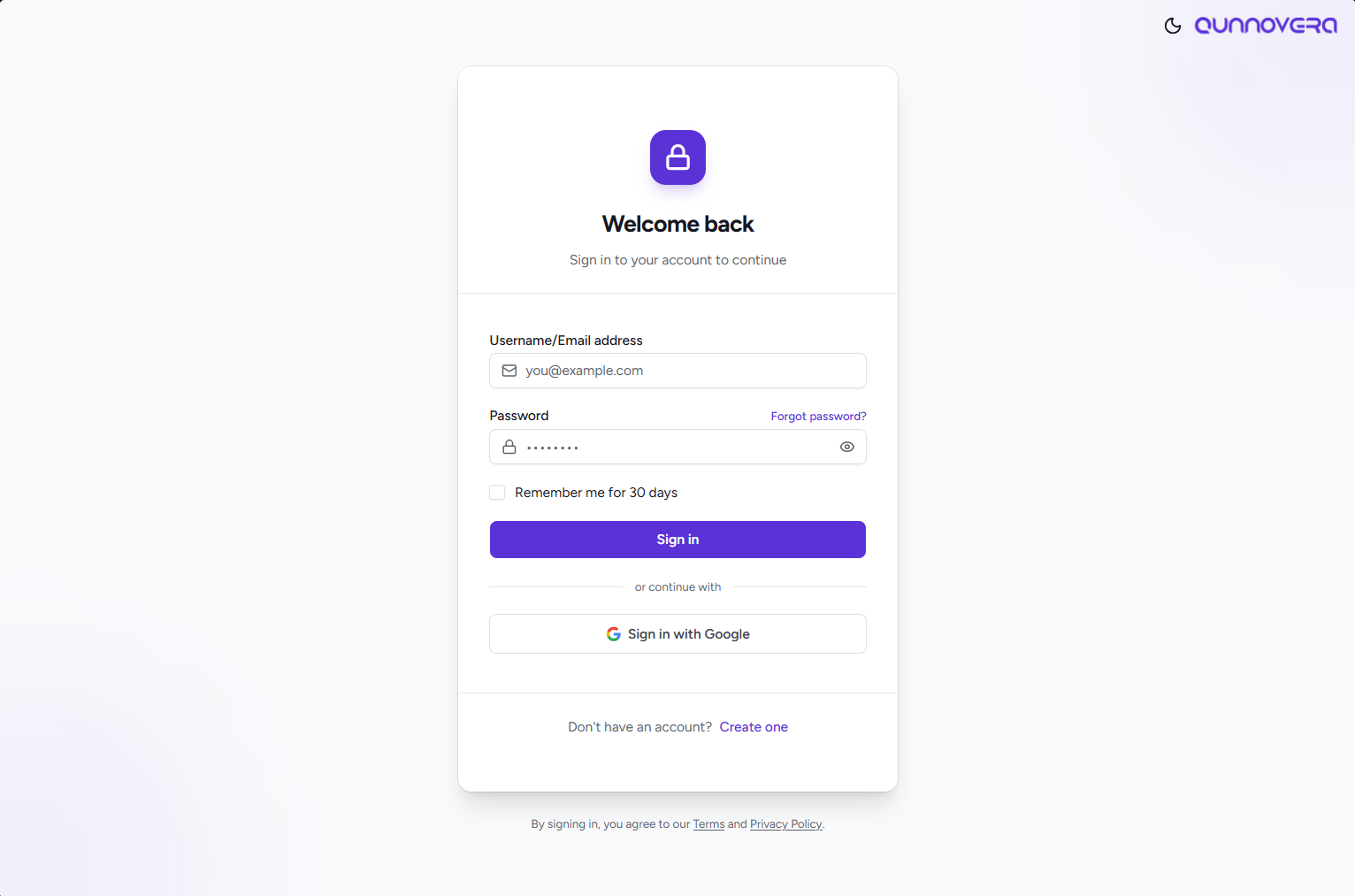
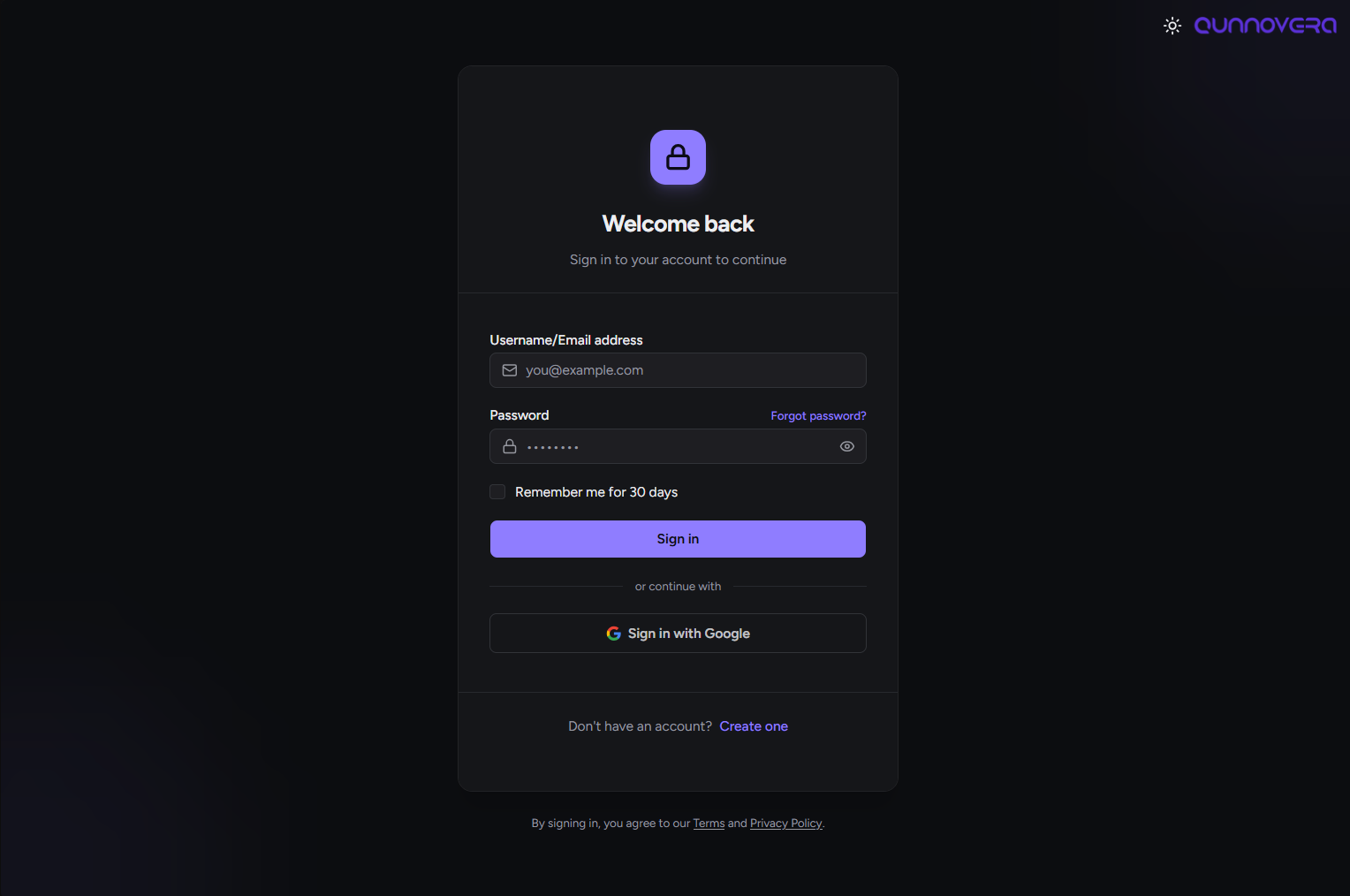
Enter your standard email credentials, or click Sign in with Google if you registered via SSO.
-
After successfully logging in, you will be automatically redirected back to Verabooking.