Staff Management & Invitations
The Staff Management section lets you manage your hotel's workforce and system access. Admins can invite team members and assign roles based on their responsibilities. Higher roles inherit the capabilities of the roles below them: Admin > Front Desk > Housekeeping.
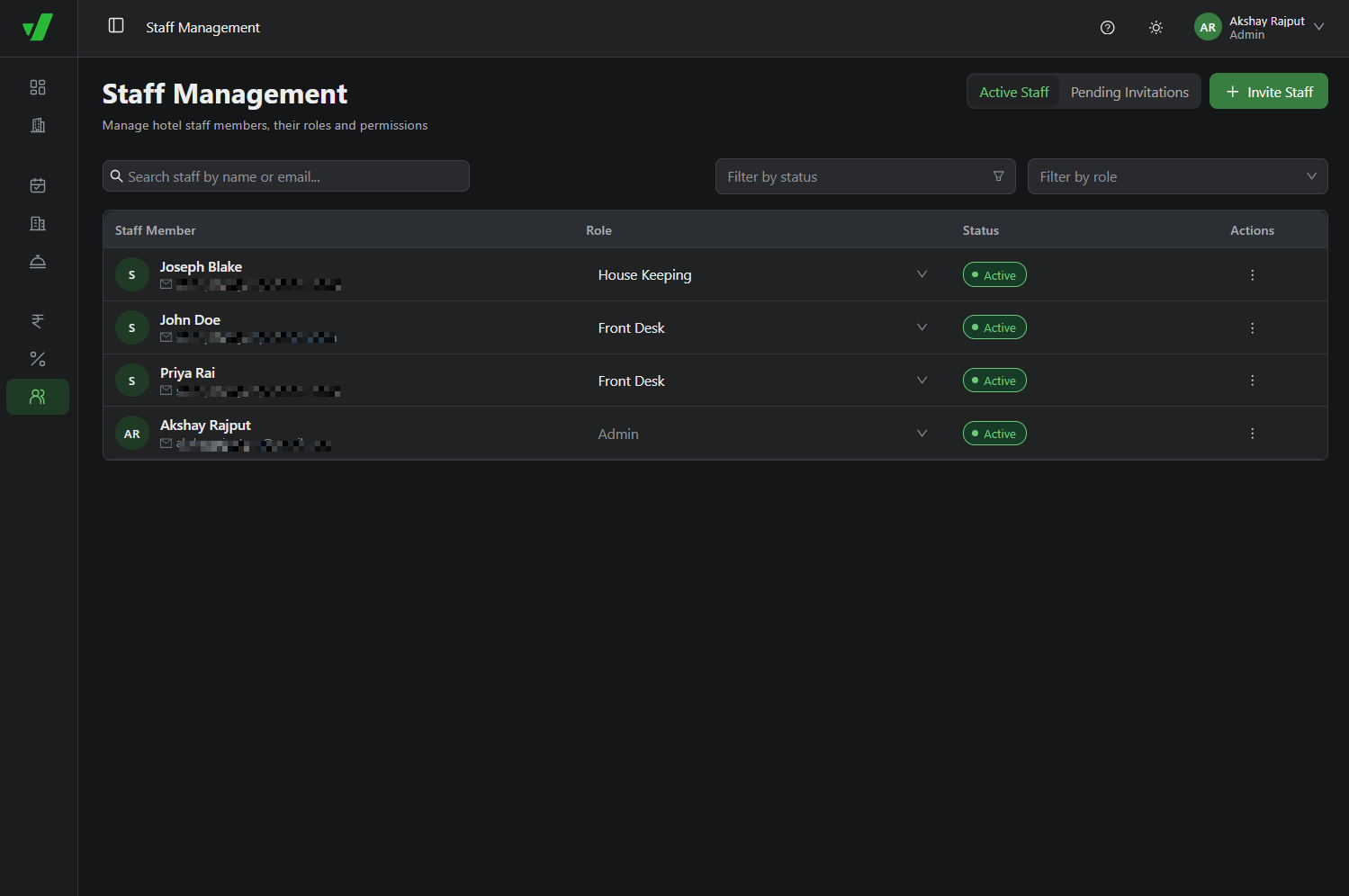
To add a user, open the Staff dashboard and click + Invite Staff in the top-right corner.
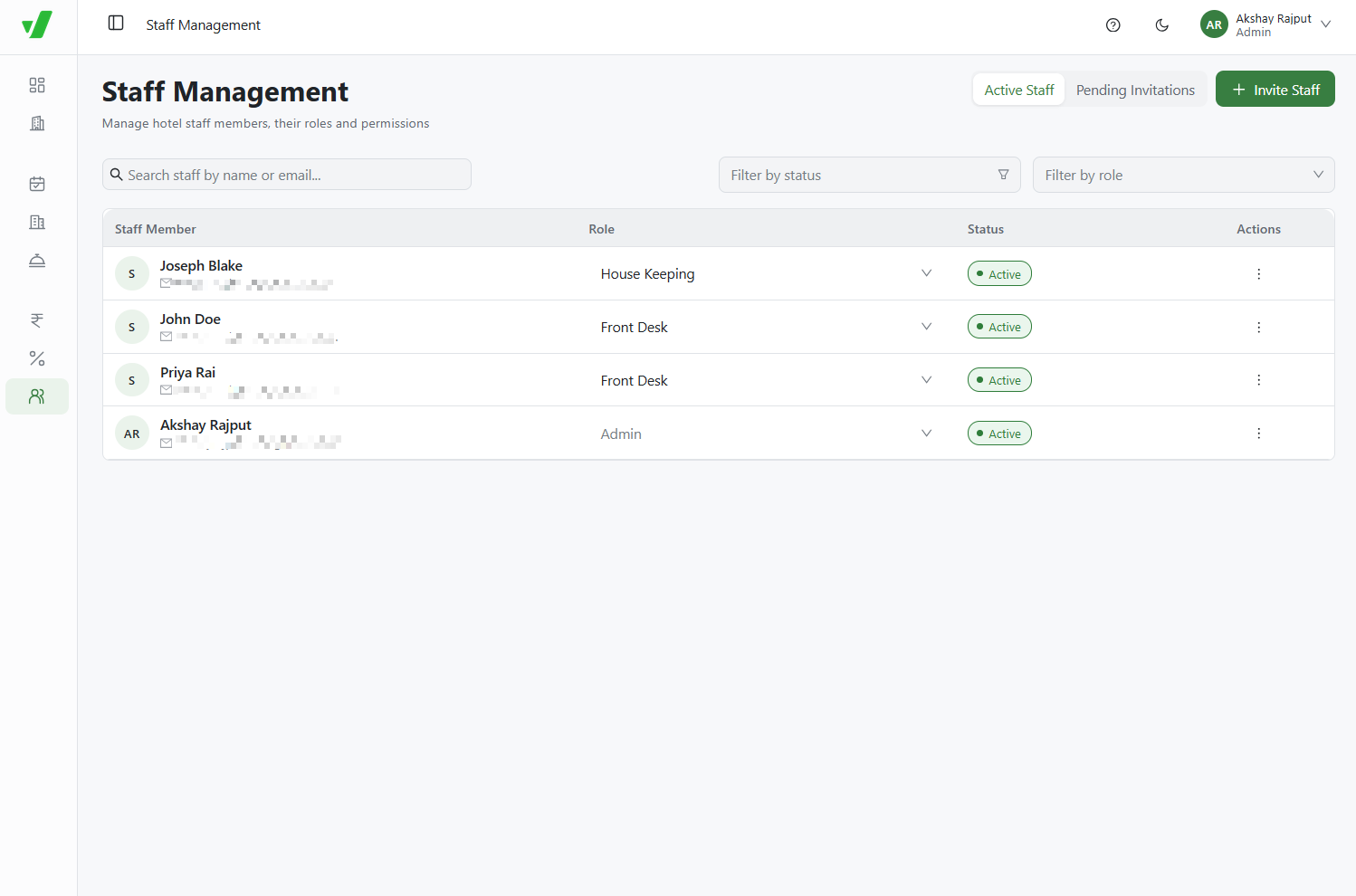
The Invitation Workflow
- Triggering the Invite: An Admin enters the staff member's email and assigns a role, such as Front Desk.
- Email Delivery: The invited user receives an invitation link by email.
- Acceptance Window: The user must accept the invitation within 3 days.
- Portal Access: Once accepted, the staff member can log in to Verabooking. The property appears in their authorized hotels list.
Front Desk Access Rights
The Front Desk role supports daily reservation management, check-ins, and guest interactions. It inherits Housekeeping permissions but remains restricted from sensitive financial, legal, and administrative settings.
| Module | Granted Permissions for Front Desk |
|---|---|
| Hotel Profile | View the dashboard, update basic hotel information, and update property policies. |
| Rooms & Units | View, create, update, delete, and activate or deactivate rooms. Change room statuses, such as ready for check-in or waiting for maintenance. |
| Services | View, create, update, delete, and activate or deactivate services. |
| Bookings | View bookings, create reservations, and accept cash payments. |
| Restricted Access | No access to Hotel KYC, Payment Configurations, Price Matrix, Tax Rates, or Staff Management. |